Sainsmart is selling a 6-dof robot arm.
One can control the robot arm using an Arduino controller and a DFRobot I/O expansion shield.
I mounted a Sunfounder Rollpaw gripper on the robot (note that the servo shaft is not compatible with the Sainsmart servos and I had to replace the wrist servo of the Sainsmart robot).
I developed some software to perform smooth and synchronized motion with the robot drives.
The robot can be controlled using a serial terminal.
Alternatively one can use an XBox controller.
The software performing inverse kinematics is demonstrated in the following video.
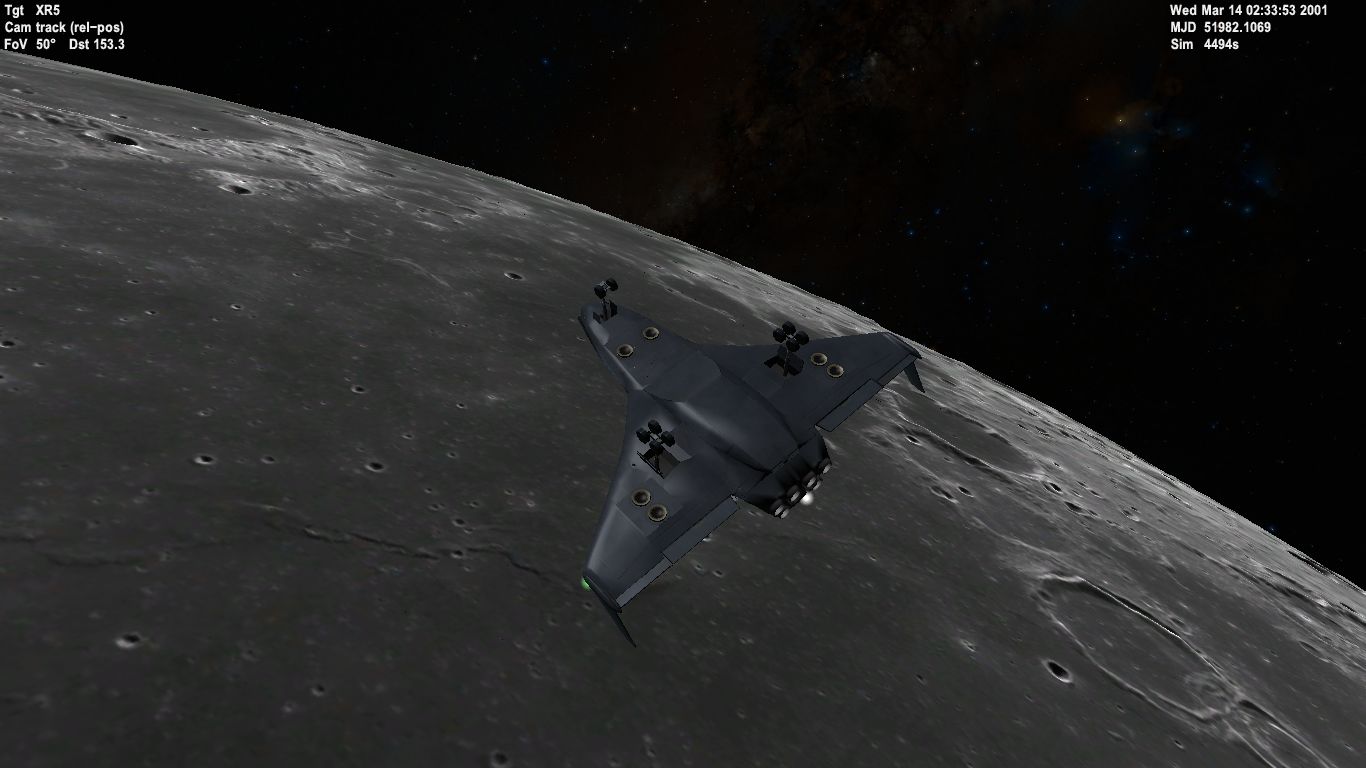
Orbiter 2016 is a space simulator for PC which works even on graphics cards which are considered low-end these days.
The simulator can be used to simulate launch, ascent, orbiting, space station dockings, flight to different moons and planets, atmospheric reentry, vertical landings, and landings on a runway.
Click on the picture below for more screenshots:
Debian is a software libre operating system for personal computers.
The new Debian Stretch (9) distribution of GNU/Linux is the first Debian release to include the new KDE Plasma 5 desktop.
Download the ISO image from the non-free section of the Debian file server.
The non-free installation medium contains proprietary firmware and drivers for WiFi adapters and graphics cards where the manufacturer has not released a free software driver.
Write the big ISO file to a USB stick using a tool for creating bootable USB sticks and boot from it.
You might have to enable booting from USB in the BIOS settings before booting.
Install Debian with KDE Plasma as desktop and reboot. Make sure that software updates are working.
Install required proprietary firmware and drivers to get WiFi, Bluetooth, and 3D graphics working.
In my case I had to install firmware for the Qualcomm Atheros QCA9565 / AR9565 Wireless Network Adapter and drivers for the AMD/ATI Kabini Radeon HD 8330 graphics card.
Note that I currently have unsolved connectivity and low signal issues with the Qualcomm Atheros WiFi adapter.
Instead I am accessing WiFi using USB tethering with an Android phone.
Rally Trophy by BugBear Entertainment and JoWooD Productions is the best rally driving simulation I have ever played.
These days it is available as a free download on oldpcgaming.net. You can run the game in Windows XP compatibility mode.
Note that in order to be able to configure the joystick and keyboard controls, you need to install Microsoft DirectInput Mapper.
There is a code to unlock all cars, tracks, and modes. Just enter KALJAKOPPA as your name in the game menu. It will clear the name and then you can enter your normal player name.
I didn’t manage to get it to work under GNU/Linux using Wine. Also I haven’t looked into the modifications available for it.
Enjoy!
Update:
One can get the modifications running using the RTBZFManager.exe tool.
Note that you need to configure the program to run in Windows XP compatibility mode otherwise it will silently fail to install game modifications. Also you need to change the settings so that it will export modifications to the data folder. For example:
C:\Program Files (x86)\JoWooD\Rally Trophy\Data
Now if you for example install the VW Käfer RTP file, it should create a folder named car_3 next to the car_3.bzf file in the Data\Cars folder.